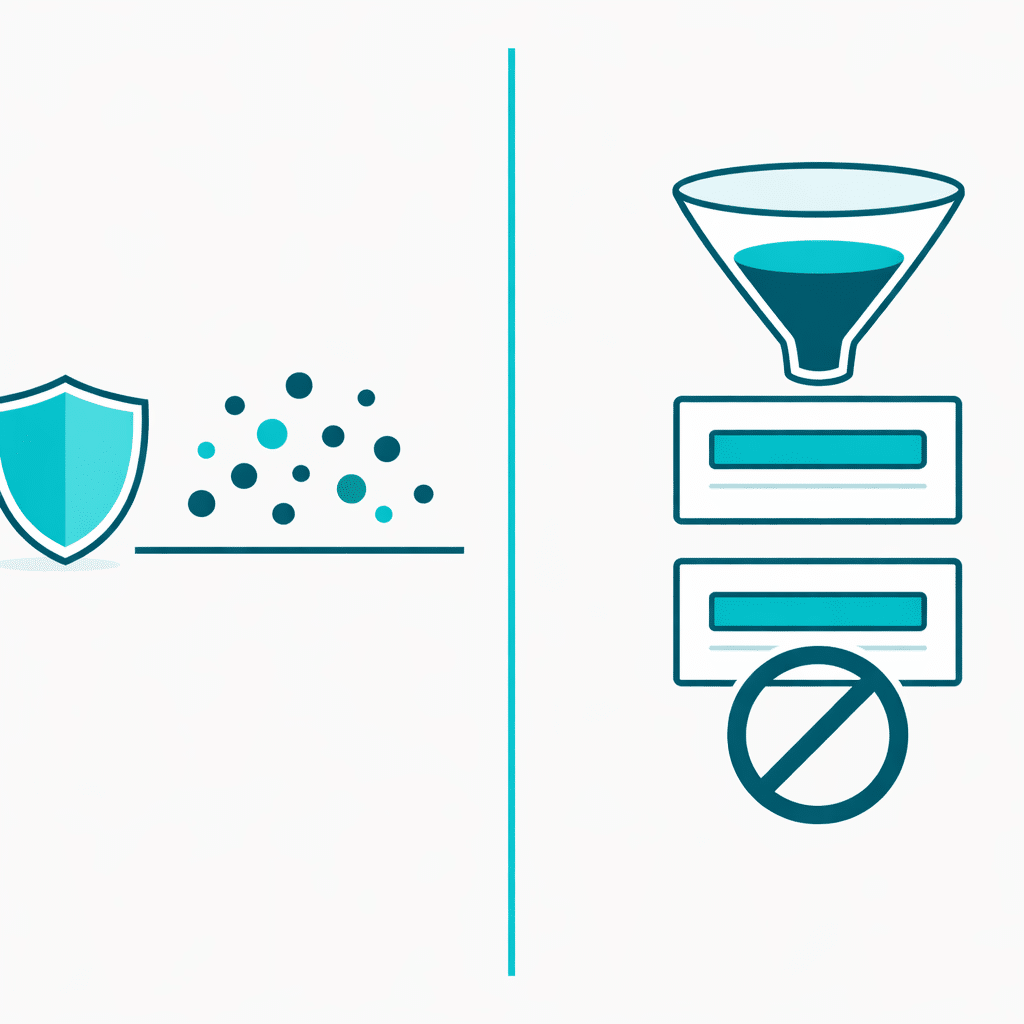
Usually, no. CAPTCHA is designed to distinguish human visitors from automated activity. It can help reduce some bot-driven submissions, but it does not normally compare a new enquiry with earlier entries to decide whether the same email address, phone number, or text has already been submitted. For repeated valid-looking enquiries, duplicate prevention is the more relevant type of control.
The distinction matters because a visitor can be genuine and still submit a form twice. That is a data-quality problem, not necessarily a spam problem.
What CAPTCHA is meant to handle
CAPTCHA adds a challenge intended to make automated form abuse harder. It is useful when unwanted submissions appear unrelated, nonsensical, or generated at scale.
A visitor who completes a CAPTCHA can still send a second version of the same legitimate enquiry. Passing a human-verification step does not establish that the details are new.
What duplicate prevention is meant to handle
Duplicate prevention looks for a repeat according to an identifying value you choose to treat as unique. Depending on the form and the purpose of the data, that could be an email address, phone number, booking reference, or another field.
Its purpose is not to decide whether a visitor is a bot. Its purpose is to stop or flag repeat data that should not create another entry. That makes it a different tool from CAPTCHA and broader spam controls.
Start by identifying the pattern in your entries
Before adding any protection, compare the repeated records. Check whether they are separate form entries rather than one entry that produced multiple notification emails. Then look at the timestamp and the fields that matter to your workflow.
- Matching email address or phone number: investigate duplicate prevention.
- Matching message submitted close together: check whether a visitor may have submitted again after an unclear confirmation or a delayed response.
- Many unrelated messages with inconsistent details: investigate spam controls, which may include CAPTCHA.
- One entry but two emails: investigate notification or automation settings rather than duplicate-entry controls.
For a broader way to separate these problems, see how duplicate form entries differ from spam in WordPress.
A hypothetical example: a repeated project enquiry
Imagine a freelance designer receives two quote requests four minutes apart. Both contain the same name, email address, phone number, project description, and budget range. The visitor may have assumed the first submission failed and tried again.
A CAPTCHA would not necessarily prevent this outcome: the visitor is human and can complete the challenge both times. The practical question is whether the business wants to accept only one enquiry for that email address or another selected field during its chosen workflow.
In contrast, if the inbox contains 30 unrelated messages with random names and generic text, an email-based duplicate rule would not be the main answer. Those entries are not duplicates of one another, so spam controls should be assessed first.
Choose the control that matches the risk
Use CAPTCHA when the main concern is automated or suspicious traffic. Use duplicate prevention when the concern is repeated values that create extra work, confuse follow-up, or affect records and orders. In some cases, a site may need both, because the tools address separate risks.
Be deliberate about the field used for duplicate checks. An email address may suit a contact form where one active enquiry per person is expected. It may be unsuitable when several people legitimately share an inbox, or when the same customer needs to make multiple valid requests. The rule should reflect how your team defines a genuine repeat.
Where Duplicate Killer fits
Duplicate Killer is a developer-published WordPress product for duplicate-data use cases. Its product information describes checking selected form fields against previous entries to help prevent repeated values, including email addresses, phone numbers, and text fields. That is different from CAPTCHA: it is intended to address duplicate submissions rather than provide general spam protection.
If your repeated entries share an identifying field and you want to assess a field-based approach, review Duplicate Killer’s product information and decide whether it fits the way your form data should be handled.