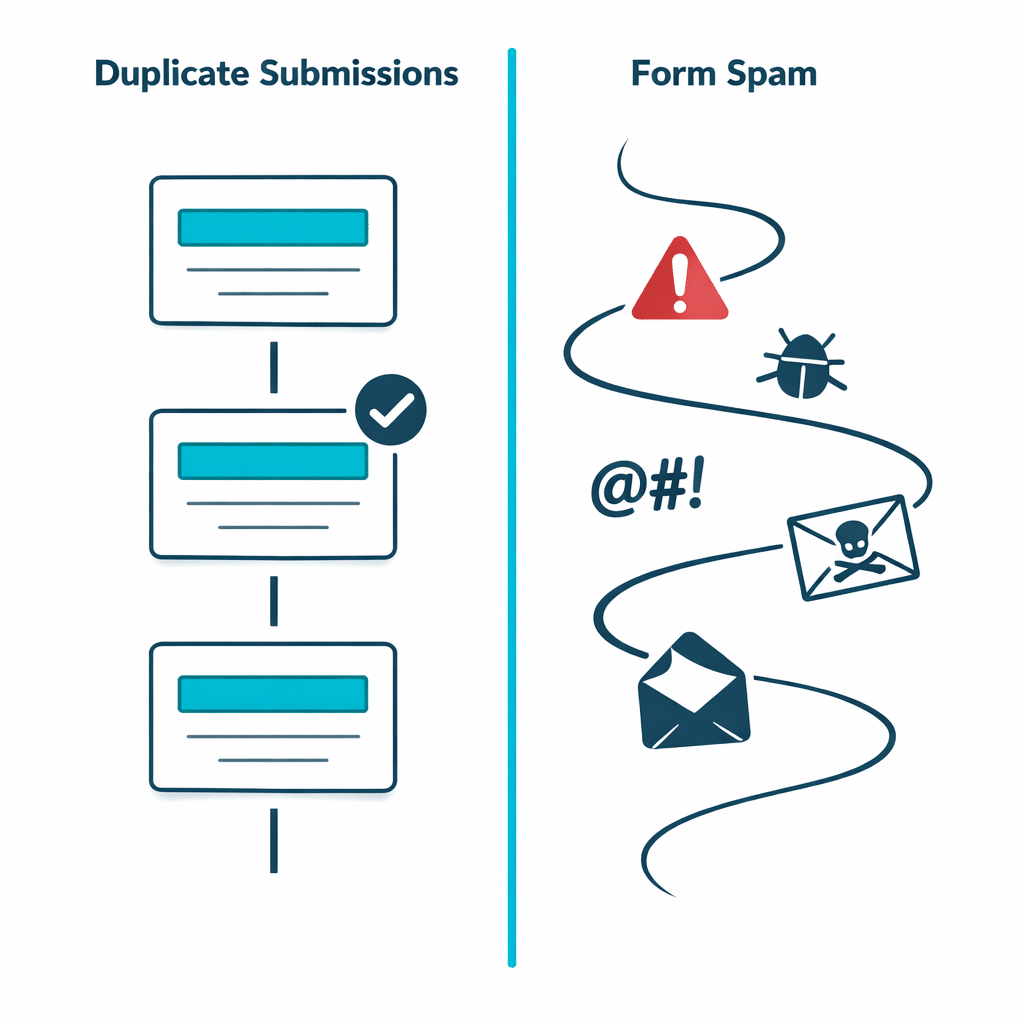
If repeated submissions contain the same identifying details and similar content, investigate duplicate entries first. If messages vary widely, look automated or irrelevant, and arrive in a scattered pattern, you are more likely dealing with spam. The distinction matters because duplicate prevention and spam prevention solve different problems. Adding a CAPTCHA may deter some automated messages, but it does not necessarily stop a legitimate visitor from submitting the same enquiry twice.
Before changing a form, compare the entries and confirm what your site is actually receiving. This prevents unnecessary friction for genuine visitors and gives you a clearer basis for choosing a fix.
Start by sorting entries into two patterns
Duplicate entries usually repeat information that a real person would be expected to reuse: an email address, phone number, name, order reference or substantially identical message. They may arrive seconds or minutes apart.
Spam usually has less consistency. Messages can contain unrelated text, suspicious links, meaningless phrases, mismatched contact details or a high volume of different submissions. A spam problem may require form validation, moderation or other anti-spam measures rather than a duplicate rule.
| Signs of duplicate entries | Signs of spam |
|---|---|
| The same email address or phone number appears again. | Contact details change from entry to entry. |
| The message is identical or only slightly altered. | Messages are irrelevant, nonsensical or promotional. |
| Entries arrive close together. | Submissions arrive in bursts or at irregular times. |
| The content looks like a valid request from a real prospect or customer. | The content does not resemble a credible enquiry. |
Check whether the repetition exists in the form data
Do not rely on email notifications alone. A single form entry can sometimes produce more than one notification, while a separate workflow can copy an enquiry elsewhere. Neither situation proves that a visitor submitted the form twice.
Compare the saved entries, if your form tool keeps them. Look at the submitted fields, timestamps and any available entry identifiers. If there is one saved entry but two emails, inspect the notification or automation workflow. If there are two separate saved entries with matching key details, duplicate-submission prevention may be appropriate.
Choose the field that represents one valid submission
A duplicate rule should reflect the purpose of the form. For a contact form, an email address may be a useful signal when you want to avoid repeated copies of the same enquiry. For a callback request, a phone number may be more meaningful. For an event registration, the relevant identity might be an email address combined with an event-specific field.
Be cautious with fields that many people can share. A company phone number, a family email address or a generic office inbox can belong to more than one legitimate sender. In those cases, a single-field rule could reject a valid follow-up.
A hypothetical two-column scenario
Imagine a freelance designer receives the following messages through a project enquiry form:
| Repeated valid-looking enquiry | Unwanted automated messages |
|---|---|
| 10:02 — Maya uses [email protected], provides a phone number and asks about a website redesign. | 10:04 — A submission has unrelated promotional text and a random-looking email address. |
| 10:03 — The same name, email, phone number and nearly identical redesign request appear again. | 10:07 — Another submission has different contact details and an irrelevant message containing a link. |
In the left column, the designer should first verify that two form entries were saved. If they were, the repeated email address and matching request suggest a duplicate-entry problem. The designer can then decide whether the email field should be treated as unique for that form, while considering whether repeat enquiries from the same person need to remain possible.
In the right column, the messages do not share a meaningful identity or request. A duplicate rule based on email would do little to address that pattern because each message uses different details. The next investigation should focus on spam controls and the form’s existing validation process.
Decide what to fix first
Fix duplicate submissions first when your team is repeatedly handling the same legitimate-looking request, registration or order attempt. The goal is to stop repeated values from creating unnecessary records.
Address spam first when the main burden is unrelated or deceptive content from varied senders. Duplicate prevention is not a CAPTCHA and is not a general-purpose replacement for spam protection. You may need both approaches if your form receives both repeated genuine entries and unrelated automated messages.
When a duplicate-prevention tool fits
Once you have confirmed that separate entries repeat the values that should be unique, a field-based duplicate-prevention approach can fit the problem. The developer-published Duplicate Killer product page describes checking selected form fields against previous entries to prevent repeated values. It also describes global rules in its Free version, with per-form controls available in Pro.
The important decision comes before the tool: define which fields identify a repeat for this particular form, and decide whether legitimate visitors need to submit again later. That keeps a data-quality rule from becoming an unintended barrier.
To compare your confirmed duplicate-entry pattern with the available approach, explore Duplicate Killer.