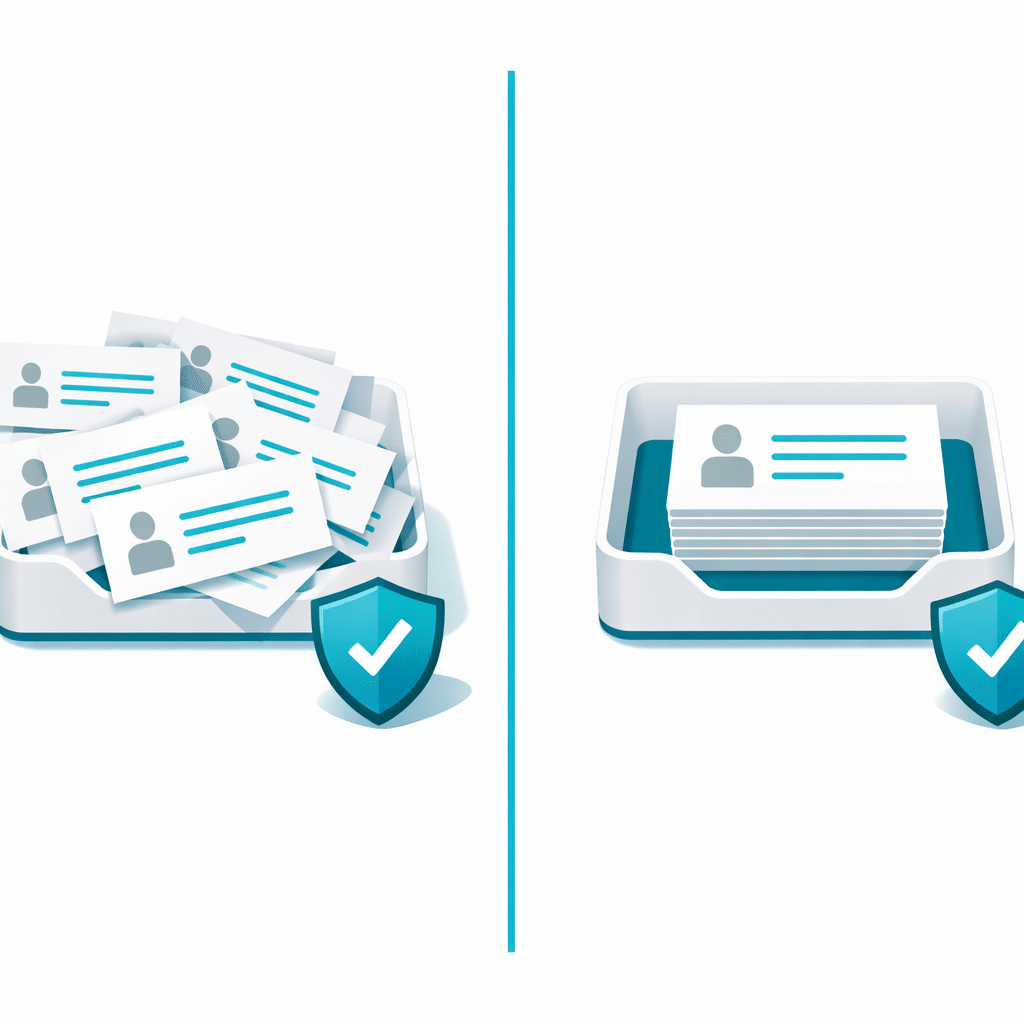
No. A CAPTCHA may reduce some automated form activity, but it may not stop a legitimate visitor from sending the same enquiry again. If a person can complete the CAPTCHA on each attempt, the form can still accept repeated messages. To address that pattern, first confirm that you have duplicate entries rather than duplicate email notifications, then decide whether matching contact details or message fields should be treated as repeats.
CAPTCHA and duplicate prevention answer different questions
A CAPTCHA is generally used to make automated submissions harder. It asks whether the current submission appears to come from a human completing a challenge.
Duplicate prevention addresses a different question: whether the information in this new submission matches information already received. A repeat visitor may be entirely legitimate, pass a CAPTCHA, and still send an enquiry containing the same email address, phone number or message as an earlier entry.
This distinction matters because adding more CAPTCHA friction may not resolve a workflow in which customers resubmit after uncertainty, a slow page response or a second click.
Check whether the repeat exists in the form data
Before changing form protection, compare the records behind the messages. Two emails in an inbox are not always two form submissions.
- Two separate entries: Look for matching contact details, message content and closely spaced timestamps. This points to a duplicate-entry issue.
- One entry but two notifications: Review the notification and email workflow. Duplicate-entry controls would not necessarily address an email sent twice from one stored submission.
- Similar enquiries on different days: Consider whether the visitor is making a genuine follow-up. A repeat is not automatically an error.
- Unrelated, low-quality messages: This may be a broader spam problem rather than repeated information from one customer.
A hypothetical contact-request sequence
Imagine a local service business with a quote-request form. Priya enters her name, email address, phone number and a short request for a repair estimate. She completes the CAPTCHA and submits the form.
The confirmation takes longer than she expects. Unsure whether it worked, she refreshes the page, completes the CAPTCHA again and sends the same request. The business now receives two separate entries with the same email address, phone number and message.
The CAPTCHA has not necessarily failed: it allowed a human visitor through on both attempts. The practical question is whether the business wants to accept a second entry with matching information within its chosen process, or prompt staff to handle the first enquiry instead.
Decide which fields identify a meaningful repeat
Start with the fields that are most likely to identify the same person or request. For many contact forms, an email address or phone number is more useful than a first name. A message field can provide extra context, but identical wording alone may not always identify the same customer.
Consider the consequence of blocking a match. For example, a general contact form may reasonably treat a repeated email address as a duplicate in a short period, while an appointment request may need to allow the same customer to make a new request later. The right rule depends on what the form is for and how your team uses its entries.
Use the right control for the pattern
Keep CAPTCHA or other anti-spam measures focused on unwanted automated activity. If the recurring issue is valid-looking entries that repeat identifying details, look for a duplicate-prevention approach that compares selected fields against previous submissions.
Duplicate Killer is a developer-published WordPress product reference for this use case. Its product information says it can prevent repeated values in selected fields, including emails, phone numbers and text fields. That makes it relevant when your investigation shows a consistent matching-field pattern, rather than a general spam problem.
Make the customer path clear as well
Technical controls are only one part of the response. A clear post-submit confirmation can reduce uncertainty for people who wonder whether their enquiry arrived. Avoid telling visitors to submit again if they do not receive an immediate reply, and give staff a simple way to recognize a genuine follow-up when one arrives.
If repeated entries consistently share the same contact details, explore Duplicate Killer’s field-based duplicate-prevention information to assess whether it fits your WordPress form workflow.